Branding
CrateStack has one mark — three stacked isometric crates in orange — used in two places with deliberately different treatments. The gallery/app mark carries a dark rounded-square tile; the.cstack file-type icon carries the same crates on a
transparent background. They are the same drawing, not two logos.
The mark
The CrateStack app icon — the mark on its tile, as used for the VS Code extension listing.
cratestack-vscode extension shows
on its Marketplace listing. The #1E222E rounded square is part of this asset,
not part of the mark in general — see Usage.
Every asset on this page is generated from one measured geometry definition, so
the app icon, the logomark and the file icons cannot drift apart. The SVG is
the master; every PNG and JPEG below is rendered from it. Prefer the vector
wherever the surface accepts one.
Colour palette
Sampled from the mark itself; use these values exactly rather than eyeballing a near match.The .cstack file icon
The file-type icon is the same three crates redrawn as geometry — so it stays
crisp at the 16×16 an editor’s file explorer actually renders — with no
background plate. It ships in two theme variants.

Dark variant — the mark's palette unchanged, shown here over the tile navy.

Light variant — each tone deepened one step, shown here over a near-white background.
Downloads
Three assets, each in vector and raster. SVG is the master — every raster below is rendered from it, so reach for the vector unless the surface genuinely cannot take one.App icon
The mark on its#1E222E tile. Use for avatars, app listings, and anywhere a
square, self-contained badge is wanted.





Logomark
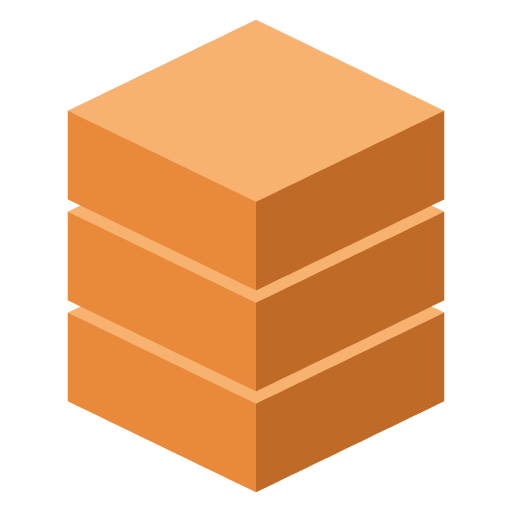
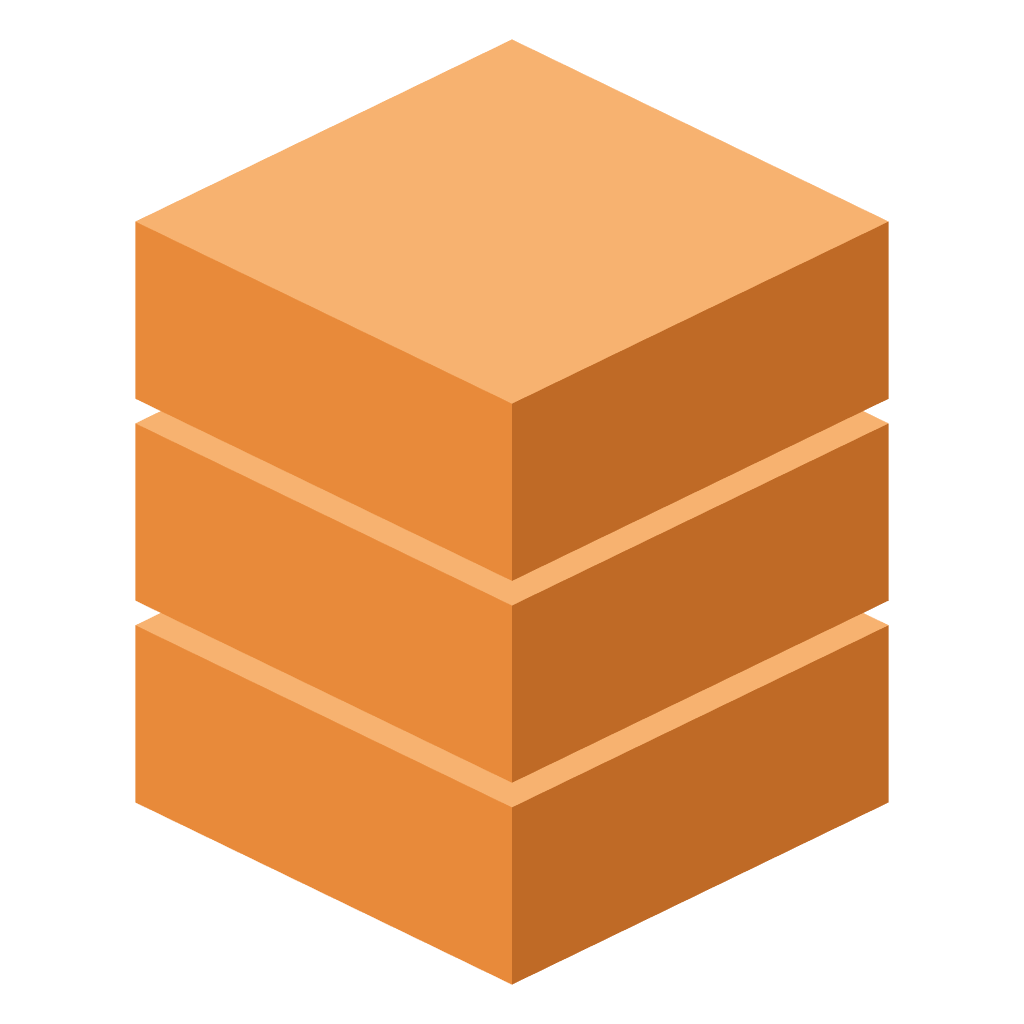
The crates alone, tightly cropped, transparent ground. Use inline, in READMEs, on slides, and anywhere the mark sits on a background you do not control.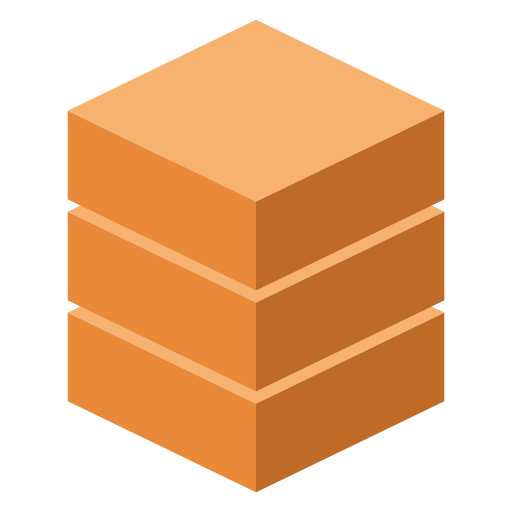

.cstack file icon
Transparent, no plate, sized to read at 16×16. Pick the variant matching the
surrounding theme.






JPEG has no transparency. The logomark JPEGs are flattened onto a named
background, which is why there are two and why each says which. If you need the
mark over anything else, take the PNG or the SVG — do not flatten a JPEG onto a
colour it was not rendered for. There is no JPEG of the file icon for the same
reason: a file icon is transparent by definition.
Usage
- The dark tile belongs to the gallery/app mark only. Do not bake
#1E222Einto a file icon or an inline mark — a file icon sits on the host’s own background, so an opaque plate renders as a dark box against every theme that is not exactly that navy. - File icons and inline usage use a transparent background, and pick the variant that matches the surrounding theme.
- Do not recolour the crates. The two variants above are the whole set; a third tint is a new mark, not a theme.
- Do not redraw or restretch the mark. Scale it uniformly; the isometric geometry breaks under non-uniform scaling.
Both variants are the canonical
.cstack file-type asset, and the
cratestack-vscode extension registers them as the language icon for .cstack
files — see Editor Tooling. That language-icon
contribution is not in a published extension release yet; the assets themselves
are canonical regardless.